

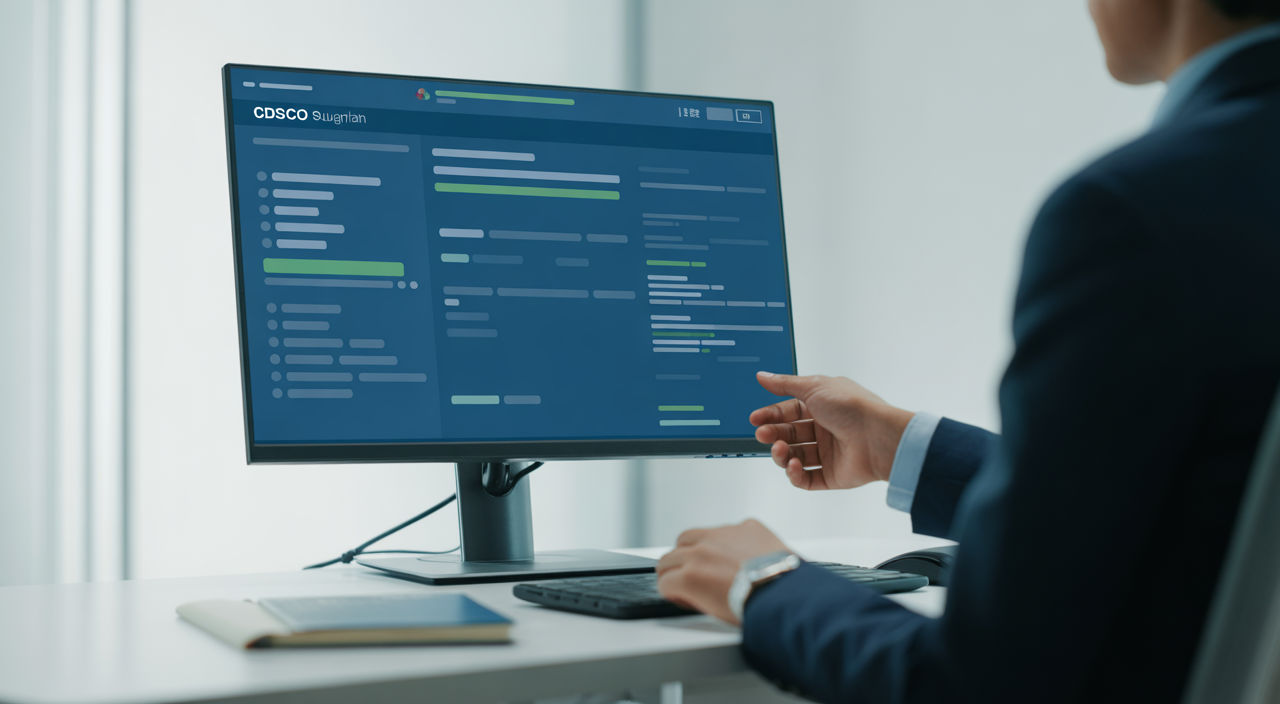

What is the CDSCO Sugam Portal and why does it matter for cosmetics in India?
The Central Drugs Standard Control Organization (CDSCO) has moved most licensing work online using a single platform called the Sugam portal. For cosmetics manufacturers, importers, and brand owners in India, this portal is now the main gateway for approvals, registrations, and renewals. If you work with cosmetics in any serious way, you cannot afford to ignore the cdsco sugam portal.
This guide walks you through how the portal works, how to register, and how to file your cosmetic applications smoothly. The focus is on practical, cosmetics-specific steps, especially useful for Indian entrepreneurs, startups, and regulatory teams. Keep it open while you work on your applications so you can follow along step by step.
If you are also planning wider business growth, you may find it useful to explore how professional guidance can streamline your compliance journey, similar to the way consulting services give a push to growing businesses.
Key modules on the cdsco sugam portal for cosmetics
The CDSCO online services portal has multiple modules. For cosmetics, you will usually work with these:
- Cosmetic Manufacturing License Module – for Indian plants seeking a manufacturing license under the Cosmetic Rules.
- Cosmetic Import/Registration Module – for companies importing finished cosmetics or bulk products for filling/packing in India.
- Firm Profile & User Management – where you set up your company details, addresses, and key persons.
- Query & Communication Section – where you receive deficiency letters and respond to CDSCO queries.
Drug and medical device modules also sit in the same system, so always choose “Cosmetics” from dropdown menus to avoid confusion. Picking the wrong module is one of the most common reasons for delays.
Step-by-step registration on the portal
Before filing any cosmetic application, you must register as a user and then register your firm. Here is a simple path you can follow:
- Visit the CDSCO online services page and click on the Sugam link.
- Create a new user ID using an official email address linked to your company.
- Verify your email through the activation link sent to your inbox.
- Log in and fill “Applicant” details such as name, designation, and contact numbers.
- Register your firm by entering legal name, registered office address, and any manufacturing/import details.
Use the same spelling of your company name as on your GST, PAN, and other legal documents. Small mismatches may lead to clarifications or re-submission.
Setting up Digital Signature Certificate (DSC)
Many applications on the cdsco sugam portal require a valid Digital Signature Certificate. A DSC is an electronic equivalent of a physical signature, issued by a licensed certifying authority in India.
- Get a Class 3 DSC in the name of an authorized signatory (director, partner, or authorized manager).
- Install DSC drivers and token software on the system you will use for filing.
- Use a browser that supports DSC plug-ins, and keep it updated.
Always test your DSC once inside the portal by trying to sign a sample form or profile update, before you start a major application. This saves time on filing days.
Managing roles and user permissions
Cosmetic companies often have multiple people working on regulatory filings. Sugam allows you to create:
- Admin or primary user for overall control and final submission.
- Sub-users who can fill forms, upload documents, and prepare drafts.
Assign roles thoughtfully. For example, the regulatory head can be the admin, while quality, R&D, and legal teams may be sub-users. Clear roles improve speed and reduce errors during filings.
Filing your first cosmetic application
Once your firm is approved, you can start your first license or registration filing.
- Select the correct module
- For a new Indian factory: choose the appropriate cosmetic manufacturing license form.
- For imported cosmetics: choose the cosmetic import/registration form.
- Fill basic details such as applicant name, product category, manufacturing site, and country of origin (for imports).
- Upload documents as per your category (see checklist below).
- Calculate fee using the latest official fee schedule and pay through the prescribed online payment gateway.
Make sure you save each section before moving to the next. Many users overlook the “Save as draft” button and then need to refill forms after a session timeout.
Essential document checklist for cosmetics
Exact requirements differ by form, but most cosmetic filings need:
- Cover letter on company letterhead.
- Manufacturing license or equivalent authorization (for foreign sites, if importing).
- Product details: brand name, product category, variants, and pack sizes.
- Composition/ingredient list with percentages.
- Label artwork or specimen labels as per Indian labelling rules.
- Authorization letter or power of attorney (for Indian agents of foreign manufacturers).
- Test reports or safety data, where applicable.
Keep all documents clear, signed where required, and in the formats accepted by the portal (usually PDF, with size limits). Name files logically so you and regulators can identify them quickly, such as “Shampoo_INGREDIENTS.pdf” instead of random codes.
Handling fees and payments smoothly
The cdsco sugam portal fee structure for cosmetics depends on the type of license, number of products, and number of manufacturing sites. For example, an import registration with multiple product variants will cost more than a single product from one site.
- Check the latest fee schedule in the applicable Cosmetic Rules or CDSCO notices.
- Use a dedicated company bank account for regulatory payments to keep records clear.
- Download and file all payment receipts, as you may need them for audits and renewals.
For financial planning, think of the fee as a compliance investment, similar to how regulatory and certification costs protect long-term brand value, a topic often discussed in guides on obtaining key compliance certificates.
Common portal issues, error codes, and fixes
Even a well-designed e-filing system can show errors at busy times. Some frequent issues include:
- Login issues – Check your internet, clear browser cache, and ensure you are using the correct URL and latest browser version.
- DSC errors – Reinsert the token, restart the browser, and confirm that the DSC is not expired.
- Upload failures – Reduce file size, convert scanned images to PDF, and avoid special characters in file names.
If a specific error code appears repeatedly, take a screenshot, note the time, and reach out to the support contact given on the portal or in official notices. Sharing details clearly usually brings quicker help.
Tracking your CDSCO application
After submission, you can track your cosmetic application directly inside the portal:
- Open the “Submitted Applications” or “Track Status” section.
- Use your application number or date range to search.
- Check whether the status shows “Under process,” “Query raised,” “Approved,” or “Rejected.”
If a deficiency letter or query is raised, read it slowly, prepare your reply with supporting documents, and answer within the given time. Polite, clear, and complete responses support faster final approvals.
Timelines and best practices for smooth approval
Actual approval times vary with workload and complexity, but you can help your file move faster:
- Ensure documents match regulations exactly, especially ingredient lists and labels.
- Avoid last-minute uploads; try to submit during normal working hours.
- Keep one person responsible for daily status checks and query responses.
As your team gains experience, consider building internal checklists and templates based on your first successful application, so future filings become easier and faster.
FAQs on CDSCO Sugam Portal for cosmetics
Q1. How long does it usually take to get a cosmetic approval on the cdsco sugam portal?
There is no single fixed timeline, as it depends on the type of application, completeness of documents, and CDSCO workload. However, if your application is well-prepared and you respond quickly to any queries, many cosmetic approvals are processed within a few weeks to a few months. Planning ahead and submitting early is always wise.
Q2. What happens if my cosmetic application is rejected?
If an application is rejected, check the remarks carefully in the portal. Often, rejection is due to missing documents, incorrect forms, or non-compliant labels or ingredients. You can correct the issues, gather the required documents, and submit a fresh application that fully addresses the points raised by CDSCO.
Q3. Can I add new cosmetic products later under the same registration?
In many cases, you can add new variants or products by filing additional applications linked to your existing registration or license, subject to the rules that apply to your category. Check the specific form and guidance notes on the portal for “endorsement,” “variation,” or “additional product” options.
Q4. Who should manage our cdsco sugam portal account in a cosmetics startup?
In a startup, it works best if a regulatory or quality lead manages the account as the primary user, with founders kept in the loop. This person should be comfortable with documentation, reading rules, and handling online filings. You can then add sub-users from production, R&D, or legal teams to support data collection and uploads.

Donald Mabry was born in New Jersey, Studied at Drew University. Currently working as Author at YoungMontana, Donald Mabry helps readers learn the Bussiness, Construction, Health, Law hone their skills, and find their unique voice so they can stand out from the crowd.